
Business Development & Marketing SpecialistAugust 31, 2026
The app people trust for ten seconds a day
A user opens a utility app, does one thing, and leaves. There is no feed to scroll and no reason to stay a moment longer than the task takes. This guide covers the architecture, cost, and timeline behind three very different utility apps that all won the same way, by doing one job well.
What a Device Utility App Actually Does
A device utility app solves one specific, recurring problem on a phone directly, then gets out of the way until the user needs it again. Demand for these tools keeps growing. The mobile VPN category alone grew from 71 billion dollars in 2025 to 86 billion dollars in 2026, according to 2026 industry research. About 69 percent of that usage now happens on a phone rather than a desktop. The app itself mainly handles one core action, whether that is scanning storage, encrypting a connection, or capturing audio. It also handles just enough supporting structure to make that one action feel trustworthy every time. None of this requires a broad feature set or a reason for someone to open the app more than once a day. It requires being unmistakably good at the single job the app exists to do, since a utility app with a shaky core feature has nothing else to fall back on.
Three Shapes a Utility App Can Take
Not every utility app is solving the same kind of problem, and three patterns cover most of what people actually search the App Store for.
Type | Core job | Tradeoff |
Privacy and security | Encrypt a connection, flag data leaks, lock away private media | Depends on trust, since one visible failure undoes months of goodwill |
Storage and performance | Free up space, remove duplicates, surface unused apps | Tied to OS level file access that shifts with every platform update |
Communication capture | Record, save, and organize calls or audio | Carries real consent obligations that vary by where the user is calling from |
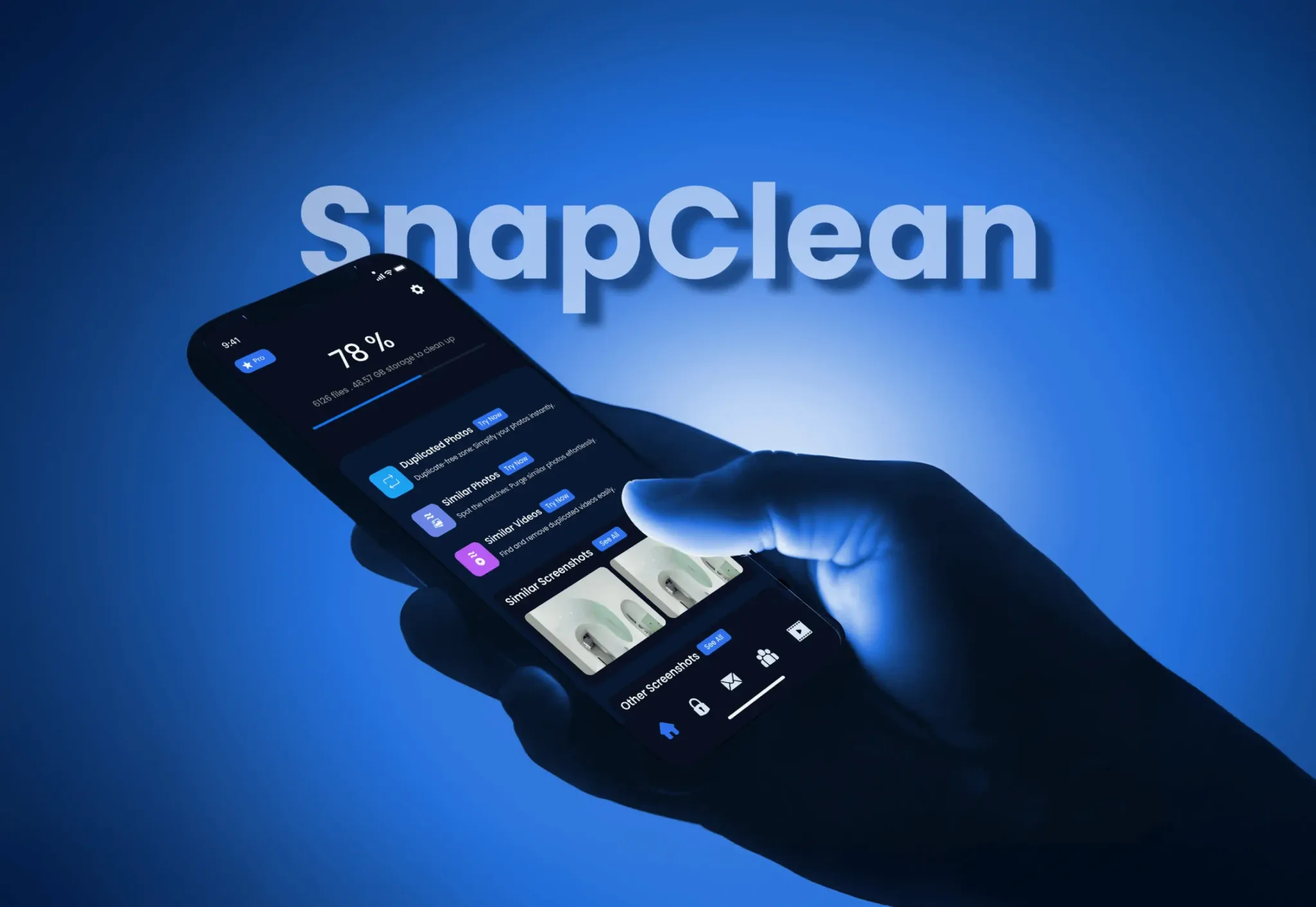
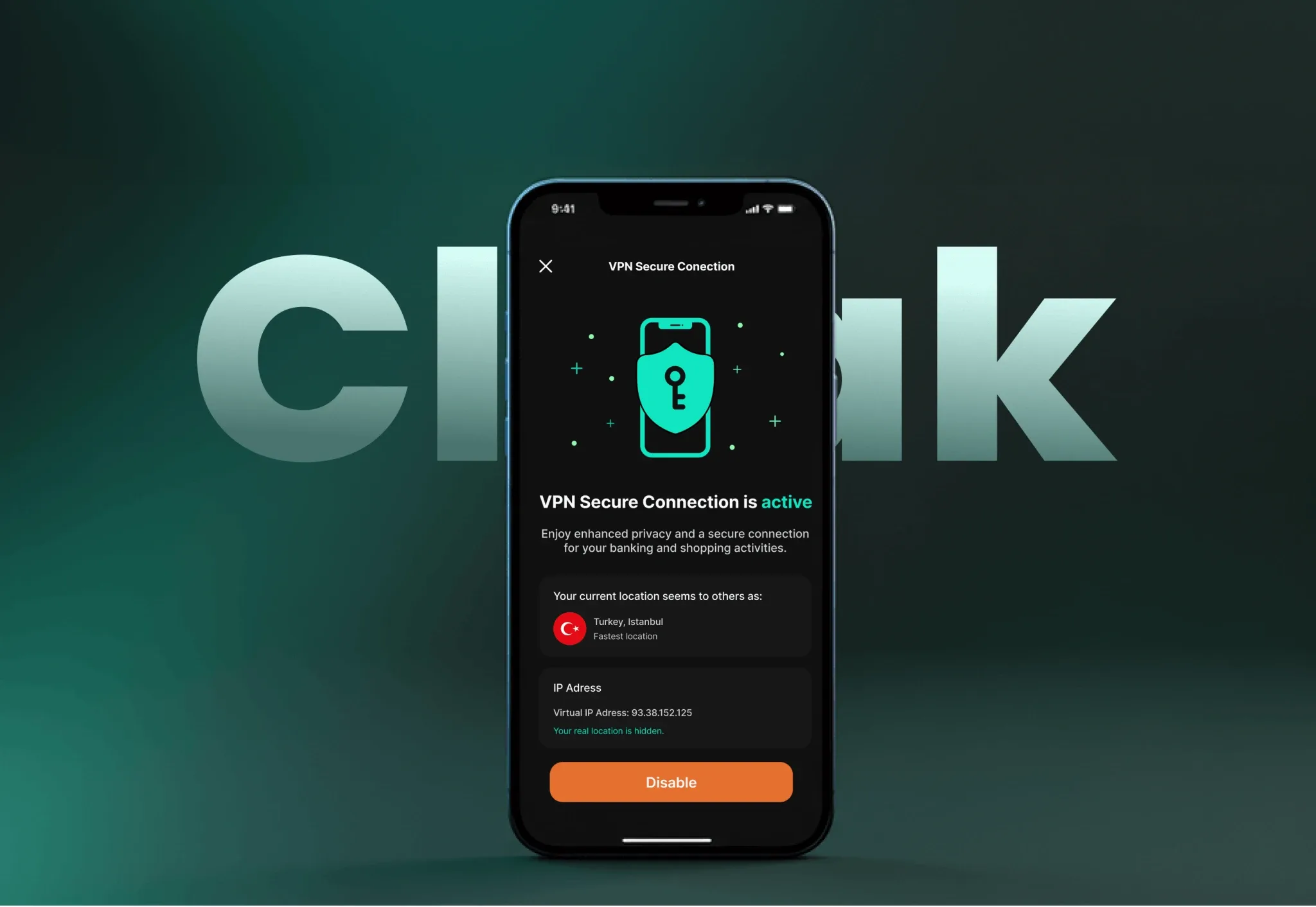
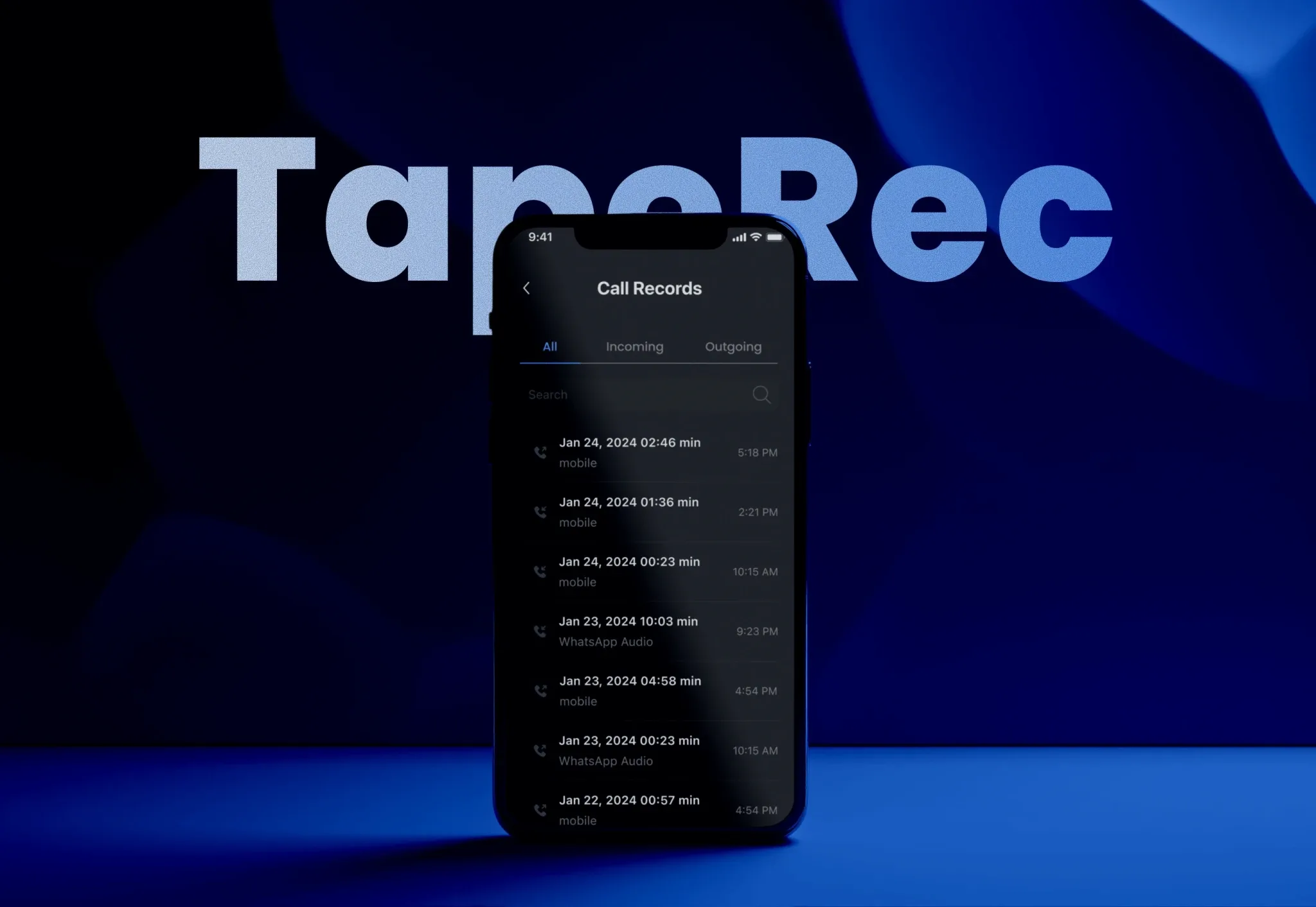
Cloak sits in the first row, combining a VPN, a data leak check, and a locked photo vault into one privacy focused app. Cleaner sits in the second, scanning an iPhone for cache, duplicate photos, and unused apps to free up space. Taps Rec sits in the third, recording calls and keeping them organized and private behind a PIN. None of these three would have been a stronger product by absorbing one of the other two's features. Each earns its place on a phone by staying narrow.
Picking a shape early changes what the build actually involves:
Choose privacy and security when the core value is protecting something, and budget real design time for building user trust through clear, honest permission requests
Choose storage and performance when the core value is reclaiming space or speed, and expect platform level file access rules to shape what the app can and cannot do
Choose communication capture when the core value is preserving a record, and treat consent handling as a real feature to design, not a line in a terms of service page
Most teams pick a shape based on which problem is most visible to them personally. The stronger approach is picking based on which single job a specific user base would actually pay to have solved well.
How to Scope the First Version
Most utility apps fail by trying to do too much before the core feature is genuinely reliable. A first version that does one thing without fail beats one that does three things adequately.
Identify the single core action the app must never get wrong, whether that is a VPN connection staying up, a duplicate scan finding real duplicates, or a recording actually saving
Add only the supporting features that make that core action safer or easier to trust, the way Cloak's photo vault and leak check both reinforce the same privacy promise
Decide upfront whether the app needs a backend at all, since Cloak, Cleaner, and Taps Rec all shipped as focused mobile apps without needing a companion web console
Teams that add a second unrelated feature before the first one is solid usually end up maintaining two half finished ideas instead of one dependable app. Users notice the difference immediately.
What a Realistic Build Timeline Looks Like
Shipped examples in this category ranged from 1.5 to 3 months, and the difference tracked closely with how much platform level access each app needed.
Discovery and scope, where the team locks the single core action, the permissions it requires, and how the app explains those permissions to a first time user
Core build, the largest block on the calendar, where the core action, its supporting features, and the interface come together against that locked scope
Permission and platform testing, run against real OS level restrictions and real network conditions, not a simulator with every permission pre granted
Launch and monitor, the first few weeks live, when real usage tests whether the core action holds up as reliably outside a controlled test environment
Skipping real permission testing is the most common reason a utility app that worked in development starts failing silently once actual users deny a permission or update their operating system.
Four Things That Move the Budget and Timeline
These four factors move the budget on a utility app more than anything else in the brief:
Platform level access depth, since Cleaner's storage scanning and Taps Rec's call capture both depend on operating system permissions that take real engineering time to implement safely
Server side infrastructure, since a VPN app like Cloak needs a real network of servers behind it, which is a fundamentally different cost driver than an app that only touches local files
Single platform versus cross platform, since Cleaner shipped as an iOS only app, which is a narrower build than supporting iOS and Android from day one
Compliance handling, since a call recording app needs a real design decision about consent, not just a backend toggle
Neon Apps shipped Cloak in 1.5 months, Taps Rec in 2 months, and Cleaner in 3 months. The gap tracked with platform access complexity more than with team size or feature count.
What This Costs Beyond the Build Fee
The build fee covers the app itself. What a utility app costs to run afterward depends heavily on which of the three shapes it took.
Server and bandwidth costs, a real ongoing expense unique to a VPN app like Cloak that scales directly with how many users are connected at once
Operating system update maintenance, since a storage scanning app like Cleaner depends on file access behavior that platform vendors can and do change between OS releases
Consent and compliance tooling, since a call recording app operating across regions with different consent rules needs to design for that variation rather than assume one rule everywhere
App store review cycles, since permission heavy utility apps in these three categories tend to draw closer platform review than a typical content app
A simple mobile utility build runs from about 18,000 to 35,000 dollars for a focused single platform app, according to 2026 industry pricing guides. A VPN specifically runs higher, from about 55,000 to 85,000 dollars for an MVP. The gap comes almost entirely from the server infrastructure a VPN needs that a local file scanner never will.
Where These Apps Break in Production
The interface itself rarely fails. The platform level dependency underneath each core action does.
Silent permission failures, since an OS update can quietly restrict what a storage scanner or call recorder is allowed to access, and the app may not surface that change clearly to the user
Connection trust erosion, since a VPN that drops without a clear reconnect signal teaches a user to stop trusting it, even if the underlying issue was brief
Recordings that never saved, since a call recording app's single worst failure is a user discovering after the fact that nothing was actually captured
Consent handled as an afterthought, since roughly fifteen states require all party consent for recording a call rather than the one party standard used elsewhere, and a shipped app needs to account for that variation
The honest framing here is that a utility app is a tool that helps a user manage their own risk, not a guarantee that covers every legal or technical edge case on its behalf
None of this shows up in a demo on a fresh phone with every permission already granted. It shows up once real users deny a permission, update their OS mid week, or place a call from a state with different consent rules than the developer assumed. A single clean test case can pass every check and still miss all of this.
Utility Apps We Have Shipped
Neon Apps has built three utility apps, each a different shape of the same single job philosophy.
Project | Client | Year | Build time | What it solved |
Implicit Marketing INC | 2020 | 1.5 months | Private browsing, data leak alerts, and a locked photo vault | |
Codex Studios | 2022 | 3 months | Junk file and duplicate cleanup to free up iPhone storage | |
Going Merry | 2024 | 2 months | Call recording, playback, and PIN protected private storage |
Cloak combines a VPN, a data leak check, and a locked photo vault so a privacy conscious user gets all three in one place instead of juggling separate apps. Cleaner focuses entirely on reclaiming iPhone storage, scanning for cache, duplicate photos, and rarely used apps with clear, guided recommendations. Taps Rec solves a narrower problem well, letting a user record a call with one tap and find it again later by caller, time, and date, with a PIN lock keeping those recordings private. Each app shipped in well under half a year, which held because none of them tried to be more than the one thing its users actually needed. Planning mobile app development around a single core action, rather than a broad list of features, is what let all three ship this fast without cutting corners on the feature that actually mattered.