

MyVox
MyVox helps law firm teams report, track, and review field cases through a connected web console and mobile app.
Intro
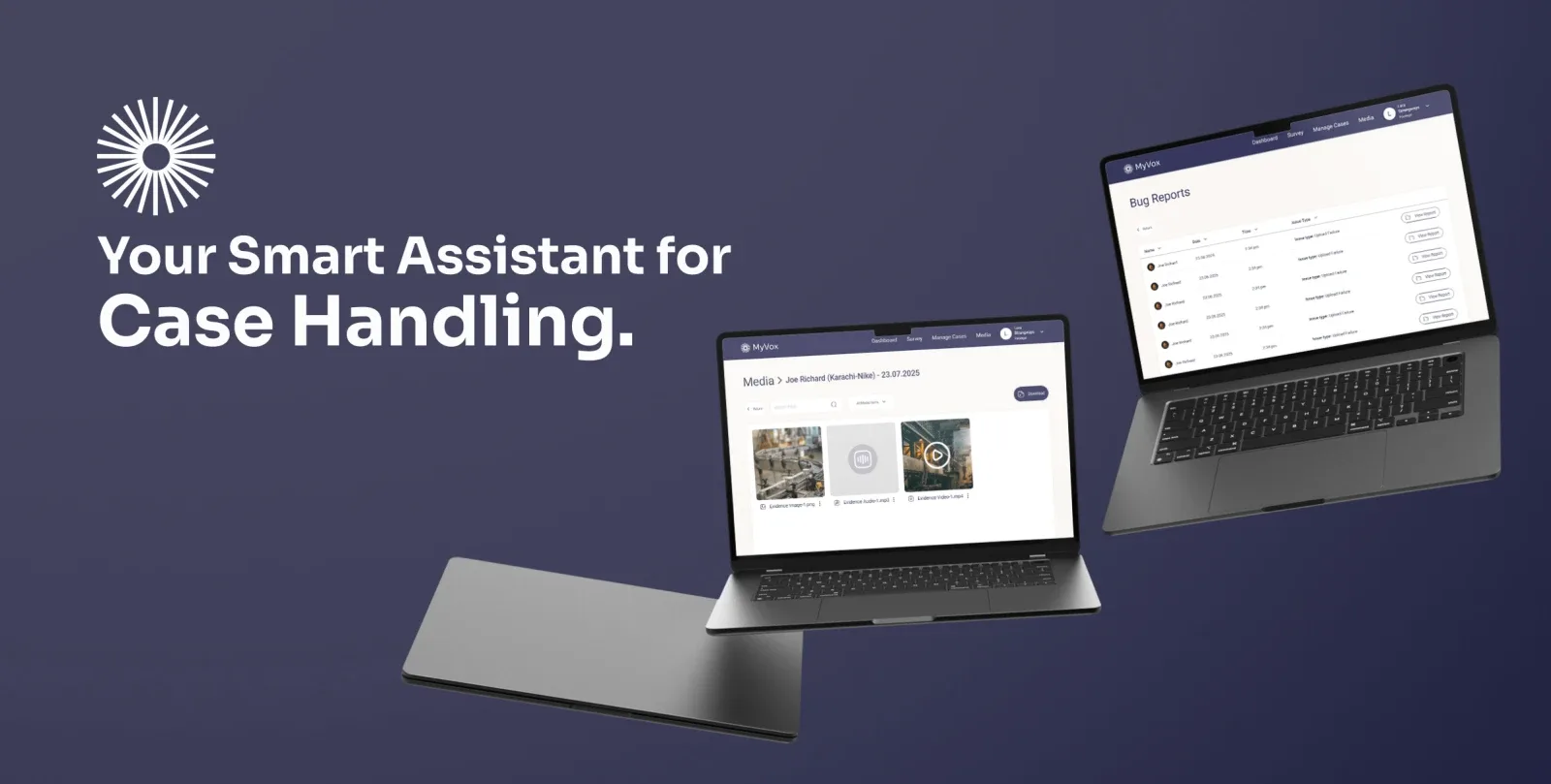
MyVox started as a tool to help law firms manage field and office reporting in one place. The client wanted a reliable way for paralegals to record cases on-site and keep data connected with office teams. We built mobile apps for iOS and Android using Flutter, plus a desktop web console that shares the same backend.
Solution
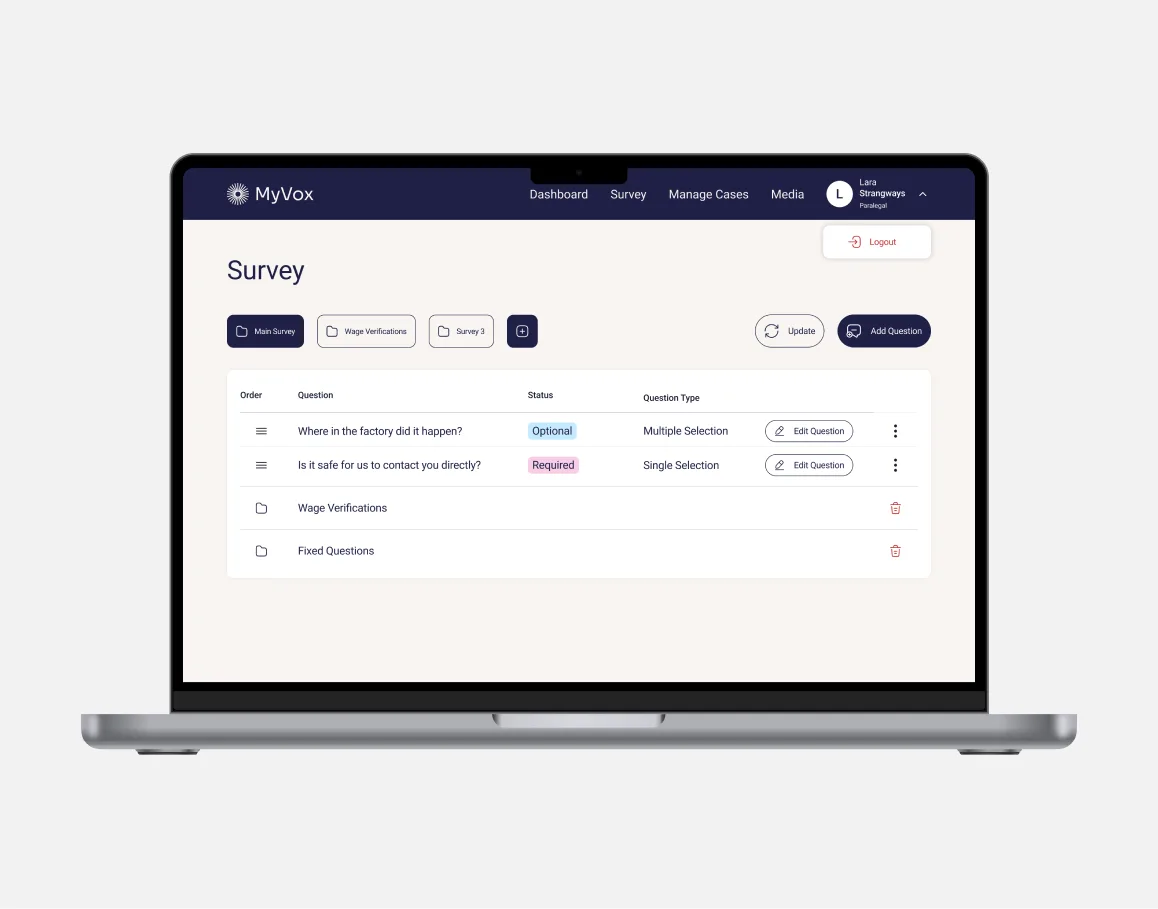
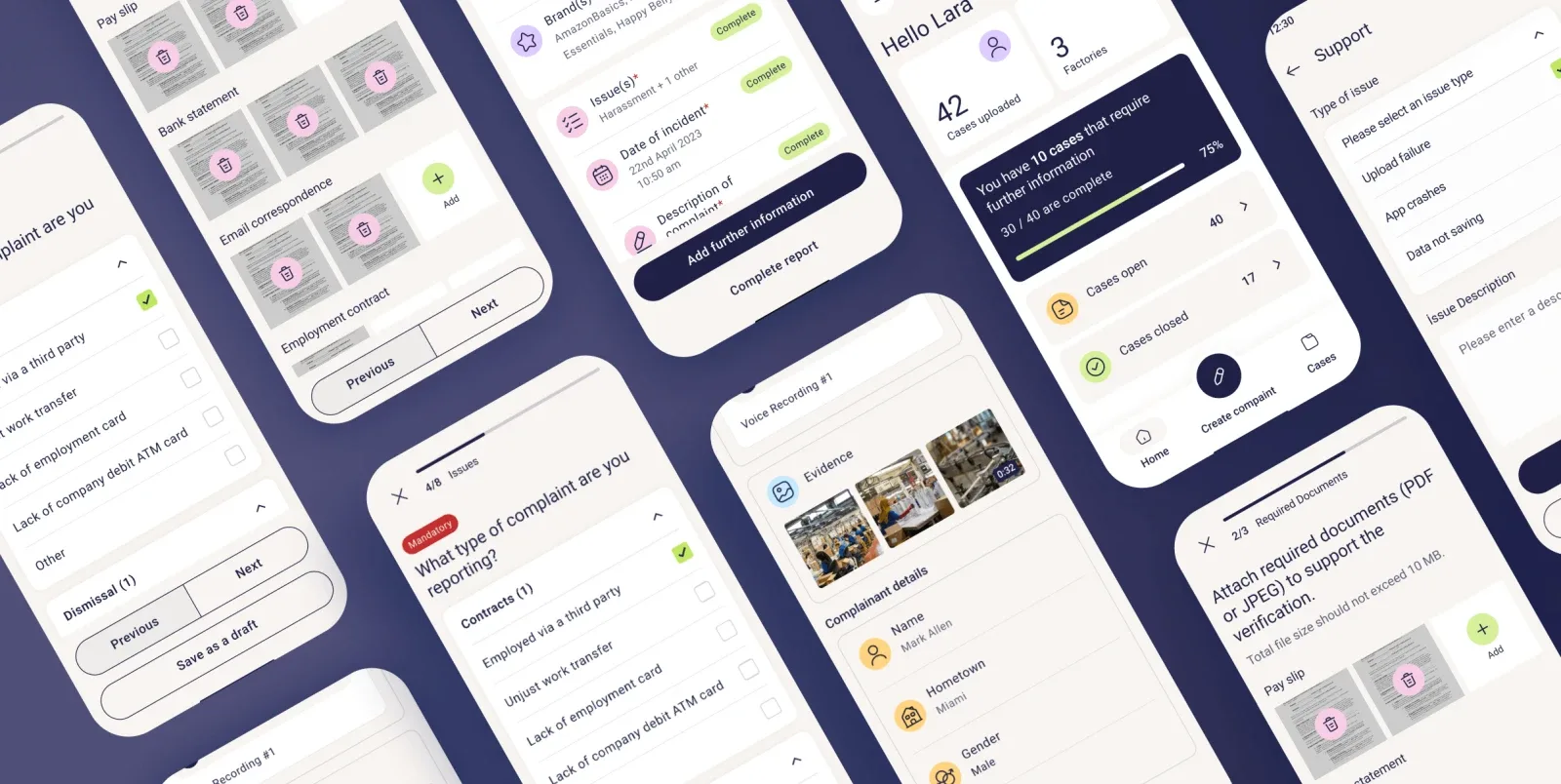
We designed a system that keeps every step of case reporting simple and connected. The web console lets staff review submissions, search by case details, and export reports. The mobile app walks users through each stage of reporting with clear prompts and structured forms. All data stays synced across devices in real time.
Features
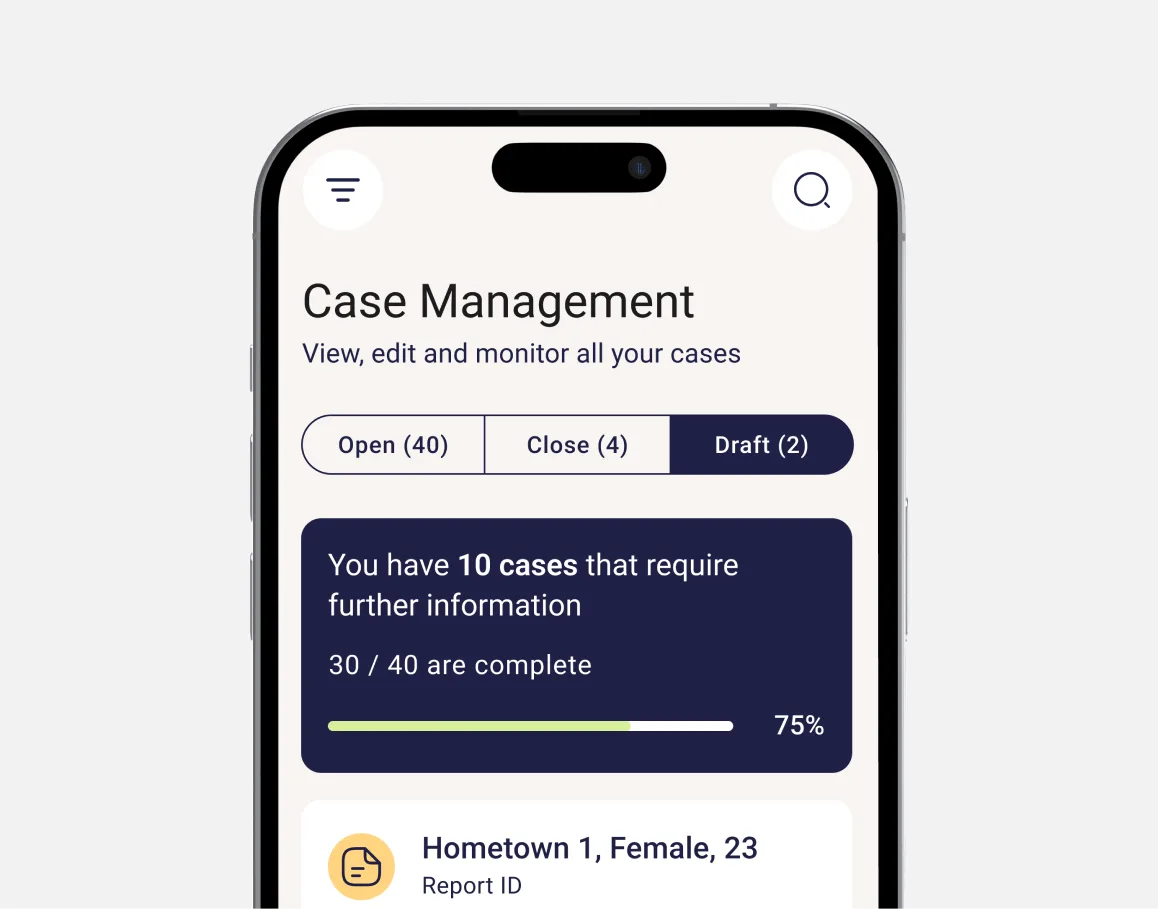
Guided reporting helps users fill in mandatory details with hints and examples. Multi-issue selection allows several problems in one case while keeping each tracked separately. File uploads handle photos, receipts, or statements, linking them to the right step. The web dashboard shows open, closed, and draft cases clearly, so priorities stay visible.
Result
MyVox is preparing for its pilot release after strong internal testing. The latest version includes a clean dashboard that shows case counts, highlights missing details, and speeds up review and submission. Teams now use a single web and mobile platform that cuts back-and-forth communication and makes follow-ups faster and easier.



Frequently asked questions
Let's Connect
Got a project? We build world-class mobile and web apps for startups and global brands.
