
Project ManagerNovember 4, 2026
Web design is the practice of planning and creating how a website looks, is laid out and works. Colors, typefaces, images, menus and the way pages connect are all part of it. The goal is not only to look good. A well-designed site helps visitors find what they need quickly and take the action the business wants, such as buying, signing up or getting in touch.
This guide explains what web design is, what it is made of, how it differs from web development, how the design process works step by step, which principles separate good design from bad, how responsive web design works and what drives the cost of a website.
What Is Web Design?
Web design is the discipline of designing the interface and user experience of pages that people reach over the internet. It has two layers: visual design (how the site looks) and interaction design (how it behaves when someone uses it).
People often mix up web design and web development. Design decides how a page looks and feels. Development turns that design into working code. The two depend on each other but require different skills. We explain the code side in what is frontend development and the server side in what is backend development.
On a small project, one person can do both jobs. On a larger project, separate specialists work together.
The Elements of Web Design
Good web design comes from several parts working together:
Layout: The order and spacing of elements on a page. It decides where the eye goes first.
Color: Reflects the brand and affects readability. Contrast between text and background matters.
Typography: Typeface, size and line spacing. This is the biggest factor in readability.
Images and icons: Photos, icons and illustrations should support the message and load fast.
Navigation: Menus and links between pages. Users should always know where they are and where they can go.
Interaction: Buttons, forms and animations. Every interaction should give clear feedback.

UI, UX and Web Design
The three terms overlap, and it helps to separate them.
Term | Focus | Question it answers |
UI (user interface) | Look: color, buttons, icons | How does the interface look? |
UX (user experience) | Flow and ease of use | Can users reach their goal easily? |
Web design | Applying both to the web | Does the page look good and work well? |
A page that looks beautiful but is hard to use is not good design, and the opposite is true too. For a deeper look, read our guide to the UI and UX design process and design systems. Our design services are described on the UI/UX design page.
What Is Responsive Web Design?
Responsive web design means a page adapts to the screen size, whether the visitor uses a phone, tablet or desktop. The same site stays readable, clickable and tidy on every device.
Most web traffic now comes from mobile devices, so teams often design for the small screen first, an approach called mobile-first. A site that is not responsive loses visitors and tends to fall behind in search results, because Google indexes the mobile version of a site first.
The Web Design Process, Step by Step
A web design project usually moves through these stages:
Discovery and goals: Who is the site for and what should it achieve? Audience, competitors and success metrics are defined.
Information architecture: Which pages are needed and how do they connect? A sitemap and page flow are drawn.
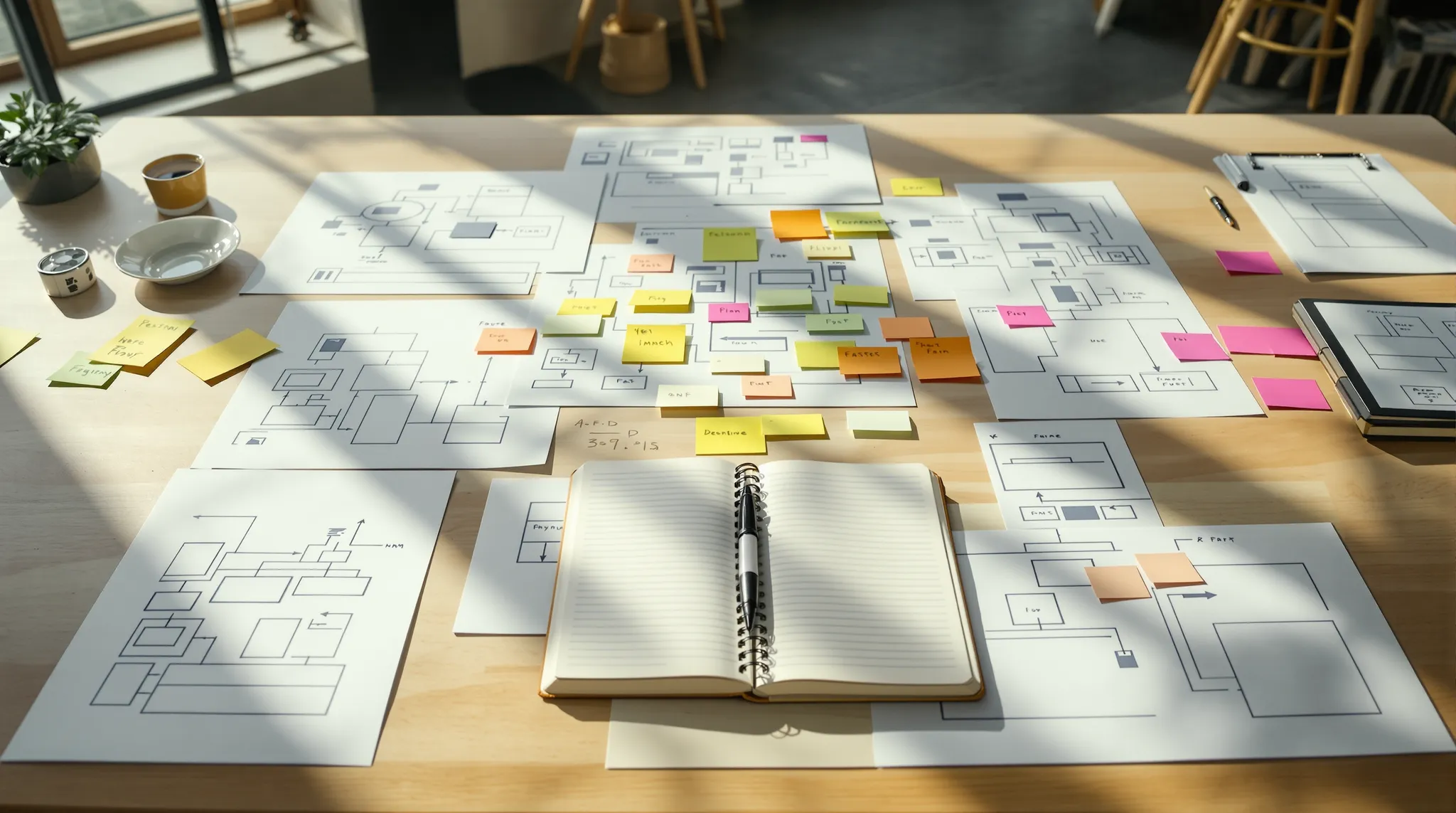
Wireframes: Before color and imagery, the skeleton of each page is drawn. Content placement is tested here.
Visual design: Brand colors, typography and imagery are added, and a design system is created.
Prototype: A clickable model is built. User testing and feedback happen at this stage.
Development: The design becomes code and is connected to a content management system.
Testing and launch: The site is tested on different devices and browsers, speed and accessibility are checked and the site goes live.
Post-launch improvement: Usage data guides ongoing changes.
This process is close to a software project, and the general framework is described in what is SDLC.

How to Design a Website
There are three common routes to a finished site.
Website builders (Wix, Squarespace and similar): You assemble a site from templates without code. This suits simple, small sites, but customization is limited.
Content management systems (WordPress and similar): More flexibility and plugins, with some technical effort required.
Custom design and development: A designer creates the design from scratch and developers build it. The result is fully tailored, fast and scalable, which is why larger companies often choose it. See our enterprise web development services guide for what to look for.
The right route depends on what the site does and how much it needs to grow. A brochure site may be fine on a template. A product with accounts, payments or a dashboard needs custom development.
Principles of Good Web Design
Simplicity: Every element should have a purpose. Too many choices tire the visitor.
Visual hierarchy: Important content must stand out at first glance. Heading, subheading and call to action should be clearly distinct.
Consistency: Color, type and button style should follow the same logic on every page.
Speed: A slow page loses visitors. Images must be optimized.
Accessibility: People with visual or motor limitations must be able to use the site. Enough contrast, keyboard navigation and image descriptions are part of that. The W3C WCAG guidelines are the main reference.
Clear calls to action: Visitors should see what you want them to do, whether that is contacting you, buying or signing up.
Trust: References, contact details and a privacy policy build confidence.
Web Design Trends
Trends change, but a few have held up because they serve users. Dark mode support gives people a comfortable reading option. Micro-interactions, the small animations that confirm a click or a save, make interfaces feel responsive. Bold typography and generous white space keep pages readable. Motion should stay purposeful: animation that delays content or distracts from the main action hurts more than it helps. Treat any trend as optional unless it improves clarity, speed or accessibility for your visitors.
What Does Web Design Cost?
Prices vary widely between projects, so a single number would mislead. What decides the cost is clear:
Number and complexity of pages: A five-page company site is very different from a content platform with hundreds of pages.
Custom design: Using a template and designing from scratch are priced very differently.
Functionality: Accounts, payments, multiple languages, dashboards and integrations expand the scope.
Content: Copywriting, photography and video are separate line items.
Technology choice: A ready-made system and custom development cost different amounts.
Maintenance and hosting: Security, backups and updates continue after launch.
When you request quotes, put the scope in writing and compare proposals against the same scope. The same price can hide very different work.

Common Web Design Mistakes
Leaving mobile for later: A mobile layout added afterward usually looks patched together.
Writing content after the design: Real content breaks layouts. Content and design should move together.
Pleasing the owner instead of the visitor: Design for the user’s need, not the team’s taste.
Ignoring speed: Large, unoptimized images slow every page.
Not measuring: You cannot improve what you do not track, so you need to see where visitors drop off.
Web Design and SEO
Design choices affect how well a site performs in search. Clear headings and a logical page structure help search engines understand your content. Fast loading, a mobile-friendly layout and stable page elements improve the experience that search engines measure. Descriptive link text, readable URLs and meaningful image descriptions help both people and crawlers. Design and search optimization work best when they are planned together from the wireframe stage, not added after launch, because changing page structure later is costly.
Website Launch Checklist
To avoid surprises on launch day, run through these checks:
Do pages look right on phones, tablets and desktops?
Do all links and forms work, and have you tested that form submissions reach you?
Are page titles and descriptions written?
Are images optimized and given alt text?
Is a privacy policy in place, along with any cookie notices you need?
Is analytics installed, so you can measure visitor behavior after launch?
Are backups and security updates planned?
Running this list a week before launch reduces the mistakes that last-minute rushing brings.