Business Development & Marketing SpecialistOctober 14, 2026
A calorie tracking app lets you log everything you eat and drink, see its calories and nutrients, and compare the total with your daily goal. Search an app store and dozens of calorie counter apps come up, all promising similar things. The difference shows up after a few weeks of real use. An app that makes logging a chore gets abandoned in the first week, no matter how complete its food database is.
This guide explains how a calorie counter works, the seven features to look for, how AI photo calorie tracking works, and where the limits of free apps are. We also use Procal as an example, an app that Neon Apps designed and built from the ground up. Because we built it, we can speak directly about the design decisions behind it.
What Is a Calorie Tracking App and How Does It Work?
A calorie tracking app takes a food or drink you select or scan, pulls its calories, protein, carbohydrates and fat from a database, and adds them to your daily total. Whether you call it a calorie counting app or a calorie counter, three parts sit at the core: a food database, a logging method, and goal calculation.
The database decides how accurate your numbers are. The logging method decides how easy the app is to use every day. Goal calculation turns your height, weight, age and activity level into a daily calorie and macro target. If a calorie counter app is weak in any one of these three parts, the whole experience suffers.

7 Features to Look for in a Calorie Counter App
The best calorie tracker app is not the same for everyone, but good apps share a few traits. These are the seven points we suggest checking before you commit.
Database accuracy and coverage. If the app cannot find what you eat, you end up guessing instead of logging. Test it with your regular meals, home-cooked recipes and packaged products before you decide.
Logging speed. Apps that offer several ways to log, such as manual search, barcode scanning and photos, shorten the time each entry takes. An app that needs more than a minute per meal usually gets dropped quickly.
Macro tracking. A good app shows protein, carbohydrates and fat, not only total calories. Whether your goal is to build muscle or lose weight, the macro split matters as much as the calorie number.
Personal goals. The app should learn your health goal, activity level and dietary preferences, then set targets around them. An app that gives everyone the same target will not work for you.
Health data integration. Apps that connect with health platforms such as Apple Health can pull in your steps and workouts automatically, so you do not have to enter the calories you burn by hand.
Data privacy. Nutrition and health information is sensitive personal data. Read the privacy policy, and check what the app collects and how it stores it.
Habit support. Reminders, a calendar view and progress summaries make it easier to open the app every day. The value of calorie tracking comes from keeping a consistent record over time.

How Does AI Photo Calorie Tracking Work?
AI photo calorie tracking means you take a picture of your plate, and the app uses artificial intelligence to recognize the food, estimate the portion, and work out the calories and macros. Instead of searching, typing or scanning a barcode, you log a meal with a single tap. That speed is the biggest advantage of an AI calorie tracker.
It helps to know the limits. Judging portion size from a photo is hard. Mixed dishes and sauces, where ingredients are hidden, add more guesswork. So treat the number from a photo as a quick starting point, not an exact measurement. A good app lets you correct the scan result and adjust the portion.
The real benefit of an AI food scanner is that it makes logging faster, which makes the habit last longer. When logging is easy, people keep using the app.
How Free Are Free Calorie Tracking Apps?
Most free calorie counter apps use a freemium model. Core features are free, but some features sit behind a subscription. “Free” in the store does not always mean every feature is free.
Before you download, ask a few questions. Is there a limit on daily entries? Are macro tracking or photo scanning paid features? Does a free trial turn into an automatic charge when it ends? The answers tell you whether the free version will cover what you need. For app makers, this balance is the core of paywall design. We cover it in detail in our guide on choosing between a hard paywall, free trial and freemium.
How to Use a Calorie Tracking App in Your First Week
Choosing the right app is half the work. The other half is how you use it. A few habits make the first week easier.
Just log at first. For the first week or two, record what you eat without changing anything. This gives you a true picture of your habits and makes the goal you set afterwards more realistic.
Log as soon as you eat. Trying to remember a whole day in the evening is hard and leads to missing entries. Photo or barcode logging makes this habit easier.
Look at weekly trends, not single days. One day’s total varies with what and when you eat. The weekly average and the overall trend are a more reliable guide for your decisions.
Pick a small, measurable goal. Start with something simple, like logging every day. Once the habit is steady, adjust your calorie or macro targets.
Treat the app’s suggestions critically. The target an app gives you is a starting point. Pay attention to how you feel and to your energy levels as well.

Procal: An AI Photo Calorie Tracker Built by Neon Apps
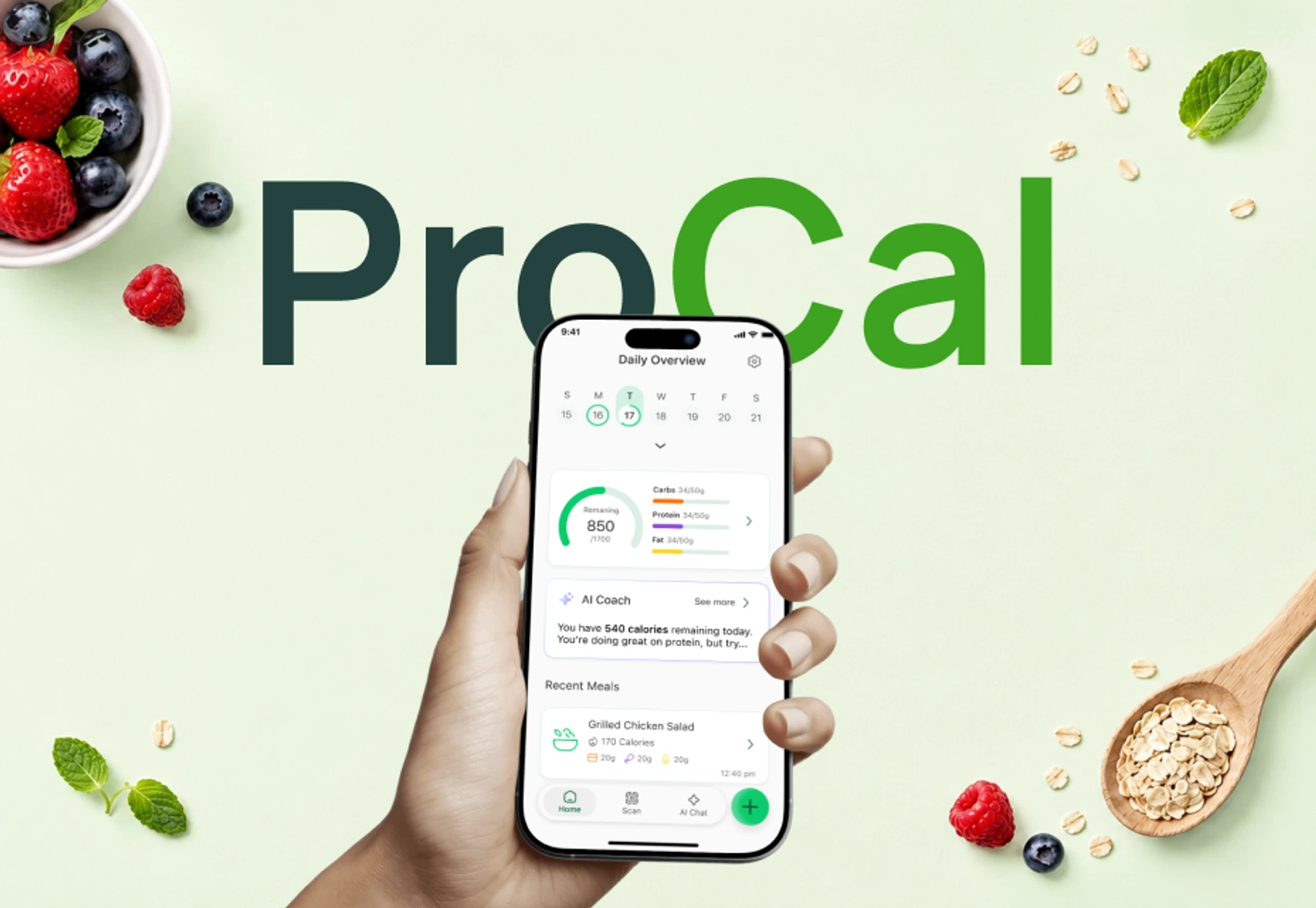
Procal is a health app that tracks nutrition, water intake, exercise and lifestyle habits in one place. We designed and built it from the ground up for Madduck. The app is free to download on the App Store.
We applied most of the principles above when we shaped Procal:
AI meal scanning: The nutrition module supports manual food entry as well as AI-powered meal scanning that extracts calories and macros from a photo.
Fast personalization: A nine-step onboarding collects health goals, activity level, dietary preferences and wellness habits in under three minutes.
AI Coach: Every meal, workout and habit you log becomes context for a coach that answers your questions and gives suggestions based on what you recorded.
Calendar view: All tracked activity appears on a single timeline, so you can spot patterns across days.
Health data and habit support: A second phase added water tracking, Apple Health integration for exercise data, and a mascot-based gamification layer that encourages regular logging.
We delivered the app in stages: the core tracking and AI experience reached the App Store and Google Play before the full feature set was finished. Early users engaged with the nutrition module and the AI Coach regularly and came back every day to log meals. You can read the full story on the Procal project page.
Is Calorie Tracking Right for Everyone?
Calorie tracking is not the right method for everyone. People with a history of eating disorders, and people who need a special diet because of a health condition, should talk to a doctor or a dietitian before they start counting calories. Calorie tracking apps are general information and tracking tools, and they do not replace medical advice. Treat the target an app gives you as a starting point, and listen to your body as well.
A Roadmap for Building a Calorie Tracking App
If you want to build your own health or nutrition app, the process usually follows three steps. First, decide on the core feature, such as logging, tracking or coaching. Next, plan a first release that puts that feature in front of users quickly. Finally, learn from the data and add features in phases. We followed the same path with Procal.
An app that handles health data needs privacy, personal data protection and health platform integration planned from the start. For AI-powered features, you also need to decide early which data the AI will use and how its results will be shown.
You can explore our work in health and fitness apps, see our mobile app development service, or check our MVP development service if you want to validate your idea quickly. If you plan to add AI features, our AI transformation service can help. For another example in the health space, see our guide on how to build a mental health app. To talk about your project, get in touch with us.