

Business Development & Marketing SpecialistOctober 13, 2026
An AI agent is an artificial intelligence system that plans its own steps to reach a goal, chooses and uses the tools it needs (databases, email, calendars, APIs), and changes course based on what it finds. What separates it from a chatbot is that it does not just answer: it does the work. It classifies a request, pulls data from a system, updates a record if needed, and reports the result back to you.
The definition can feel abstract because the word “agent” is used in very different ways across the industry. Anthropic splits agentic systems into two groups: workflows and agents. In its definition, workflows are systems where LLMs and tools are orchestrated through predefined code paths, while agents are systems where the LLM dynamically directs its own processes and tool usage, keeping control over how it completes the task. In this guide, we explain how AI agents work, where they pay off for businesses, when they are unnecessary, and how to get one built.
How Does an AI Agent Work?
An AI agent runs a four-step loop: it receives a goal, plans the steps with a large language model (LLM), takes action through tools, and observes the result to decide the next step. The loop repeats until the goal is met or the agent decides to hand the task to a human.
Take a concrete example. A customer writes “where is my order?” The agent queries the order system, reads the shipping status, and writes a reply. If the delivery is late and the rules allow it, the agent opens an approval request for a human to start a refund. From a single question, the agent has talked to three systems and made a decision.
An agent usually has four components: a model that reasons, the tools it can use (APIs, databases, apps), context (conversation history, company documents), and boundaries. Boundaries define which actions the agent may take and which require human approval. This fourth part is the one most often skipped, and the most important.

What Is the Difference Between Agentic AI and an AI Agent?
Agentic AI is an umbrella term for an approach rather than a single product: AI that takes goal-directed steps instead of only generating content. An AI agent is the concrete system that applies that approach. Anthropic also groups both workflows and agents under the heading “agentic systems.” In practice, agentic AI answers “what do we want to achieve,” and an AI agent answers “which system does it.”
To decide whether a feature really needs an agent, see our guide for product teams, Agentic AI for Product Teams: When to Build, When to Skip.
AI Agent vs Chatbot vs Automation
These three are often confused. A chatbot typically answers a question in a single step. Automation runs a fixed sequence of steps; the path is known in advance. An AI agent handles work where the path is not known in advance, choosing each next step based on the result of the last one.
A simple test does the job: if you can draw the process as a flowchart, it is automation, even if a language model is involved somewhere. If the next step genuinely depends on the previous result and you cannot draw it ahead of time, consider an agent. Not every problem needs one: as autonomy increases, so do cost, latency, and the risk of errors. If a fixed workflow does the job, prefer it.
AI Agent Use Cases for Businesses
Customer support: The agent classifies first-line requests, checks order, subscription, or appointment data to answer them, and hands the conversation to a person when needed. The same logic works on voice channels for AI-powered call center support. For conversational interfaces, take a look at our conversational AI solutions.
Sales and marketing: It qualifies incoming leads, writes details into the CRM, and drafts follow-up emails.
Operations and back office: It reads documents such as invoices, contracts, and forms, enters them into systems, and flags inconsistencies.
Internal knowledge access: It answers employee questions about policies, documents, and data from company sources.
Software teams: It supports code review, test writing, and debugging. We covered the tools used in mobile development in our AI Coding Tools for Mobile Development guide.
What these use cases share is that the work is repetitive, the rules are clear, the result can be verified, and the cost of a mistake is manageable. To start, pick a single process that meets these criteria.
When Is an AI Agent Unnecessary?
Using an agent for everything is like using a hammer for every nail. If the rules are fixed and every case can be listed in advance, classic automation is cheaper, faster, and more predictable. If volume is very low, the development effort may never pay back. If a mistake is costly and a person must approve every step, the time saved by an agent stays limited. And if a company’s data is scattered and its systems cannot be connected, fix the data and integration layer first; an agent is built on top of that foundation, not in place of it.
AI Agents in Mobile Apps
An agent inside a mobile app is not only an assistant that answers questions; it is a helper that can take actions within the app. For requests like “move my appointment on Friday one hour earlier” or “summarize this month’s spending,” it runs real functions. For that to work safely, the agent needs secure access to the app’s backend functions, must respect user permissions, must ask for confirmation on critical actions, and must have a plan for what happens when the connection drops. The real work is the app architecture more than the model.
At Neon Apps, as part of our mobile app development service, we design and build in-app chat and voice assistant features together with the rest of the product. Treating the agent as part of the product, not as an add-on, improves both user experience and security.

How to Build an AI Agent
A successful AI agent project usually follows these steps:
Choose the right use case. The most common mistake in AI projects is picking the wrong problem. Build a short list scored by business value and feasibility.
Map your data and systems. Which systems will the agent reach, what data will it read, and what can it change?
Pick the model for the task. One model does not suit every job; we cover this in which LLM you should actually build your app on.
Define tool integrations and permission limits.
Plan security and compliance (KVKK, where it applies) from the start.
Pilot and measure. Evaluate with the metrics the work already uses, such as cycle time, accuracy, and automation rate.
Move to production and plan ongoing support.
The Neon Apps AI transformation service covers all of these stages: strategy, solution architecture, model selection, integration, security, deployment, and ongoing support.
How Do You Measure an AI Agent’s Success?
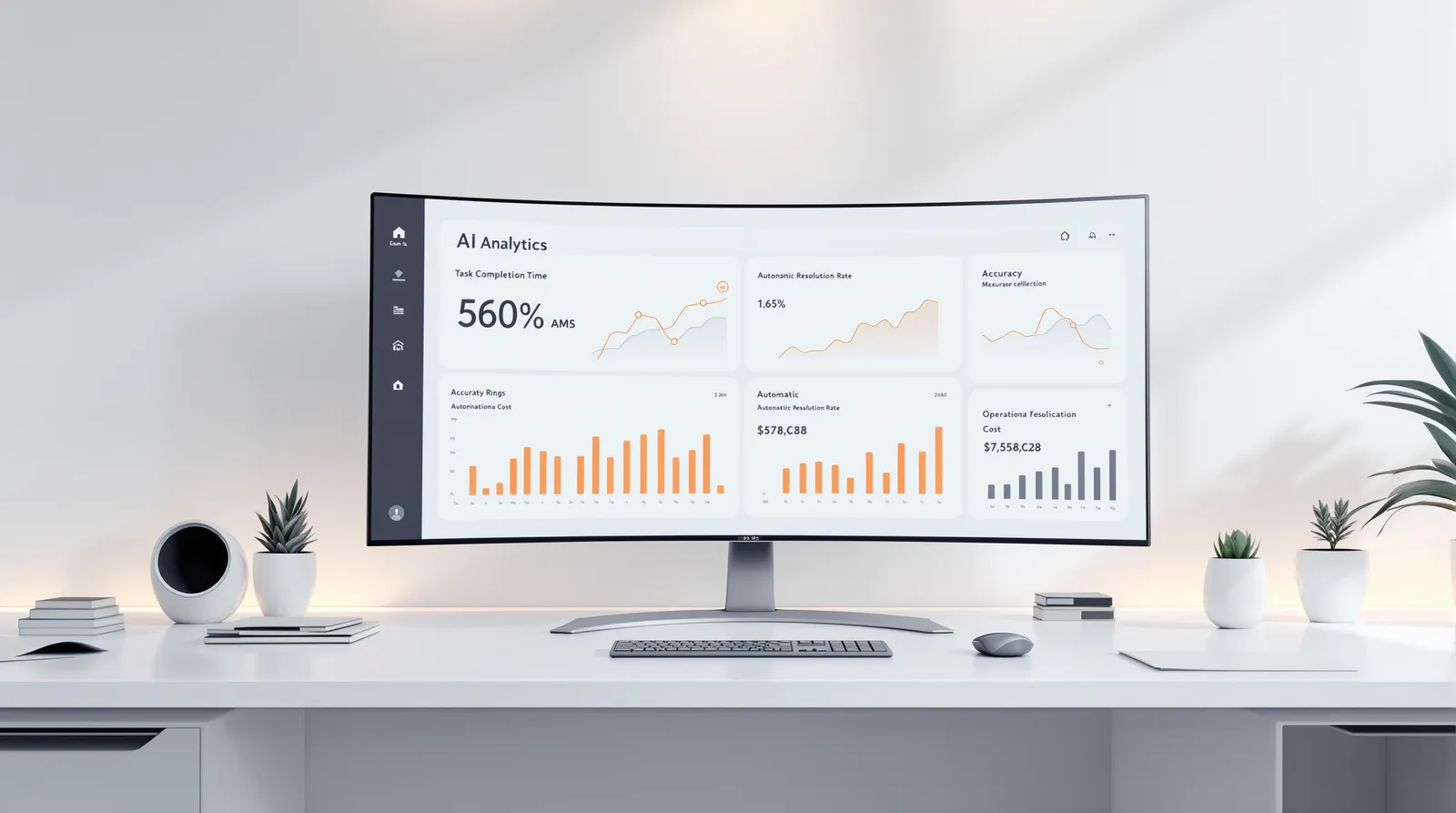
Measure success not by how smart the model is, but by the metrics the work already uses: task completion time, accuracy, the share of tasks the agent resolves without a human, and cost per task. Set a baseline for these metrics during the pilot, and scale the agent only when it clearly improves them. Demo quality does not tell you how it will perform in production.
No-Code Tools or Custom Development?
Workflow and no-code tools are a reasonable start for simple, low-risk internal automations and prototypes. Custom development comes into its own when you handle sensitive data, need deep integration with core systems, require measurable accuracy, run at high volume, or need long-term maintenance. A practical rule: validate the idea quickly with a fast tool, but plan the path to production from day one. Otherwise the prototype turns into something you have to rewrite later.
Risks and What to Watch For
Wrong or invented output: Add human approval for critical actions. Excess permissions: Give the agent only the permissions it needs. Security: Malicious text from external sources (prompt injection) can steer an agent; outside content should never be treated as a command. Cost and latency: Every step is a model call, so more steps mean more cost and time. Measurement: Evaluate regularly with real scenarios and keep a record of actions.
If you want to talk through your AI agent idea, get in touch; to see what Neon Apps builds, take a look at our homepage.